Buying a used iPhone: the checklist before you pay
Before paying for a used iPhone, check the actual handset, its Activation Lock and carrier restrictions, then inspect its condition and functions. Review the seller’s terms and available device records separately. A record report can help with history questions, but it does not test battery health, the display, cameras or other hardware.
What should you check before meeting the seller?
Clarify what you are buying and what happens if it does not match the listing. Apple recommends a reliable seller and a clear understanding of the return policy when buying a preowned iPhone. Save the listing and prepare a short list of questions so the inspection does not become a rushed discussion about price alone. Apple’s checklist is the primary reference for the physical checks below.
Ask which handset will be delivered, which accessories are included and what the seller knows about repairs or restrictions. Treat answers as information to examine, not proof. Plan enough time to look at the actual device and resolve important differences before sending payment.
A useful preparation note has two columns: “records to review” and “functions to inspect.” Keeping them separate helps you avoid the common reasoning mistake of using a reassuring record summary to overlook a problem you can see on the phone.
Which history questions belong in a report?
Identity, supported restriction records, warranty and available history are record questions. Cellbuff’s Device Report organizes compatible checks and the information they return; the available fields depend on the device. It does not inspect the phone, establish ownership or guarantee suitability for purchase.
Read the verification date, the scope and any unavailable or conflicting findings. If you have the handset, compare its identifier with the one you intend to check. A report for a similar-looking phone is not a substitute for selecting the correct device.
Use the result to decide what to ask next. A carrier restriction needs a carrier-related answer; an activation concern needs a legitimate account handover. An unknown status remains an unanswered question. Do not reinterpret missing information as a clean result simply because the rest of the report is favorable.
Can the previous owner complete the handover?
Check Activation Lock before paying. Apple advises against buying an iPhone with Activation Lock enabled and explains that a Hello screen is not the same as completing activation and setup. Ask the seller to demonstrate the legitimate handover on the actual phone. Apple’s preowned guidance and Activation Lock explanation cover these concerns.
Do not plan around a promise that an account restriction will be resolved later. If the seller cannot complete the transfer, pause the transaction. This is a purchase decision, not an invitation to look for a bypass or to request somebody else’s account credentials.
Also inspect carrier restrictions. Apple says an iPhone is unlocked when Settings, General, About shows “No SIM restrictions” beside Carrier Lock. That network status does not answer the separate Activation Lock question. Apple’s carrier guide explains the wording.
Which physical checks should you make?
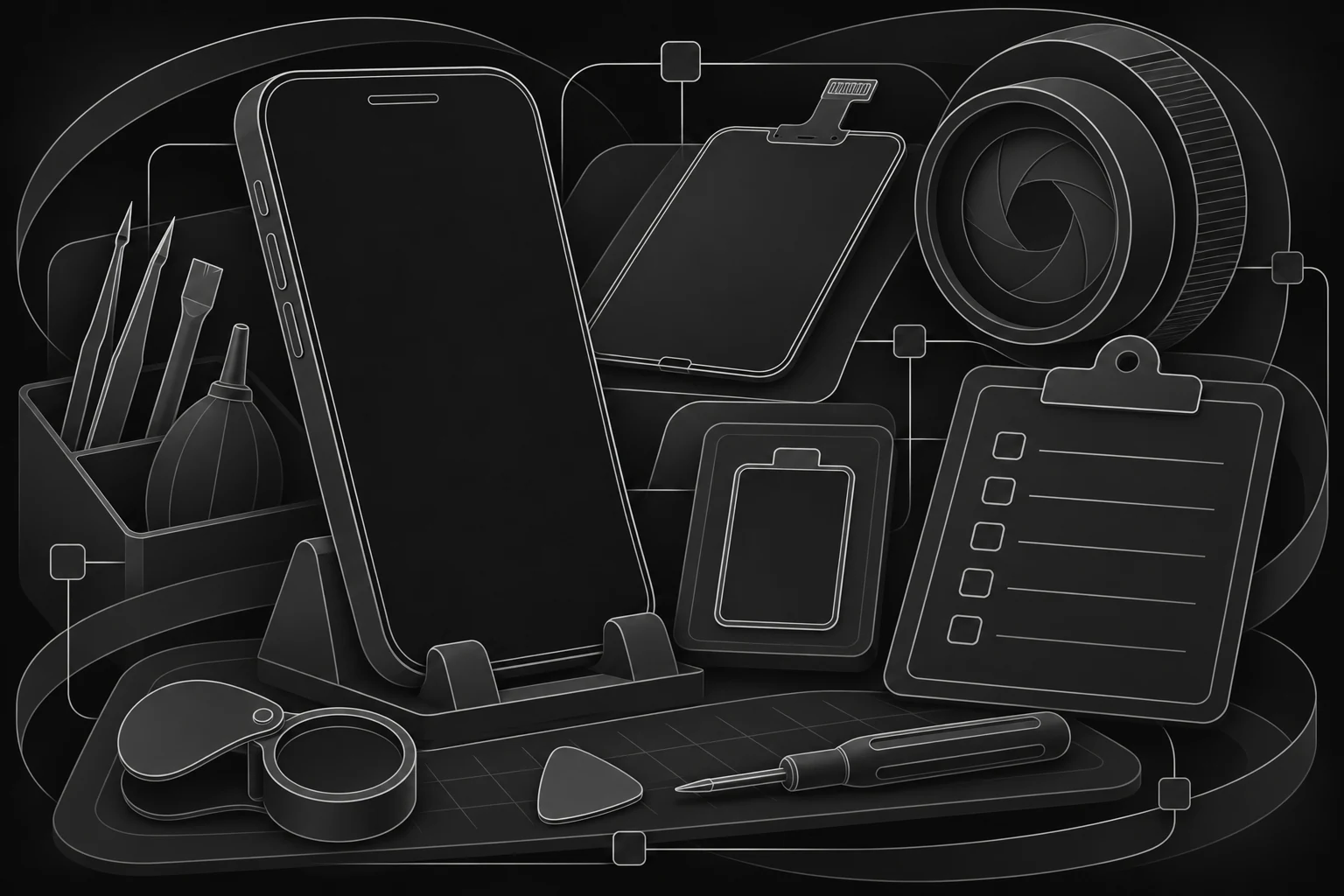
Inspect the device and try its functions while you have the opportunity. Apple’s preowned checklist covers physical damage, buttons, cameras, display, speakers, microphone and connectivity. Follow the applicable steps for that model and its software rather than assuming every menu looks the same. Apple’s inspection guidance supplies the manufacturer’s checks.
| Inspection area | Practical question |
|---|---|
| Body and display | Is there damage or a screen issue you need explained? |
| Buttons and controls | Do they respond during your inspection? |
| Cameras | Can you try the available cameras and review the image? |
| Speaker and microphone | Can you check audio playback and recording? |
| Connectivity | Can you test the connection relevant to your intended use? |
Use this table as a reminder, not as a certification procedure. If a function cannot be tried, note that limit instead of marking it passed. A short inspection may leave questions that need the seller, a technician or the manufacturer’s support.
If a feature such as Face ID is important to your purchase, ask to see the normal supported setup or use on that model after the legitimate handover. Do not infer that it works from a report field about the phone’s identity. A record-based service is not performing that on-device test.
What about the battery and repair history?
Check battery information and any available parts-and-service history on the phone using Apple’s instructions. Availability and wording depend on the model and software. Apple discusses these areas in its preowned-device guide; do not assume every older device exposes the same detail. Read the relevant Apple sections.
Decide what condition you are willing to accept before negotiating. Ask the seller about anything unexpected, including a repair record or a battery concern. Your decision should reflect both the information available and the checks you could not complete, rather than one favorable headline.
Keep “warranty record” and “physical condition” separate in your notes. A coverage date does not perform a battery test, and a device-history field does not demonstrate how the display behaves in your hands. Cellbuff’s report limitations expressly keep hardware, battery and performance outside the record assessment.
How should you make the final decision?
Return to the unresolved questions before paying. Recheck that the handset matches what you inspected, that the legitimate account handover is complete and that the seller’s terms are clear. Apple’s advice to inspect and understand the return policy remains relevant even when you have obtained records. Apple’s checklist ties those steps together.
A seller can also provide a shared Cellbuff report with a verification date and masked public identifiers. Use it to discuss the findings, not to replace the handset comparison or purchase documentation. The report overview introduces the service; sharing is an explicit action on a completed report in the owner’s account.
For focused follow-up, read Activation Lock before buying, stolen-device record checks, and Apple iPhone IMEI-check scope. Each helps resolve a particular question without presenting a buying guarantee.
Quick answers
Is a clean report enough to buy a used iPhone?
No. Keep the report, seller checks, account handover and physical inspection as separate parts of the decision.
Should the phone reach setup before payment?
Follow Apple’s used-iPhone guidance and check the legitimate activation handover. A Hello-screen photo alone does not complete that check.
Does Cellbuff test battery health or Face ID?
No. Its Device Report assesses available records. Inspect those functions on the phone separately.
Can you ask the seller for a shared report?
Yes. A completed Cellbuff report can be explicitly shared by its owner, with sensitive identifiers masked in the public view.
Sources
Manufacturer guidance and the Cellbuff service pages used in this guide. Checked for this edition on 29 November 2026.