Is this phone carrier-locked? How to check before buying
To check whether a phone is carrier-locked, inspect the device’s network-restriction settings and confirm any uncertainty with its carrier. On iPhone, Apple says “No SIM restrictions” beside Carrier Lock means it is unlocked. Check this before buying a used phone or a travel eSIM; an account lock is a different restriction.

What does carrier-locked mean?
A carrier lock restricts the use of a phone with other mobile carriers. Apple describes unlocking as enabling an iPhone to work with a different carrier, while Google distinguishes SIM-locked Pixel phones from unlocked ones. Read the restriction as a network-use question, not a general statement about the phone’s condition. See Apple and Google.
When talking to a seller, use the full term “carrier lock” or “SIM restrictions.” The shorter word “unlocked” can be ambiguous in a conversation about passcodes, accounts and mobile networks. Ask which restriction has been checked and how the seller established the answer.
If you want a record-based check, choose a service whose stated scope concerns carrier or SIM-lock status. Cellbuff’s IMEI-check catalog lets you review the checker, identifier requirements, current price and available sample before continuing. A brand or carrier name appearing in a result is not automatically a conclusion that the phone is locked.
How do you check carrier lock on iPhone?
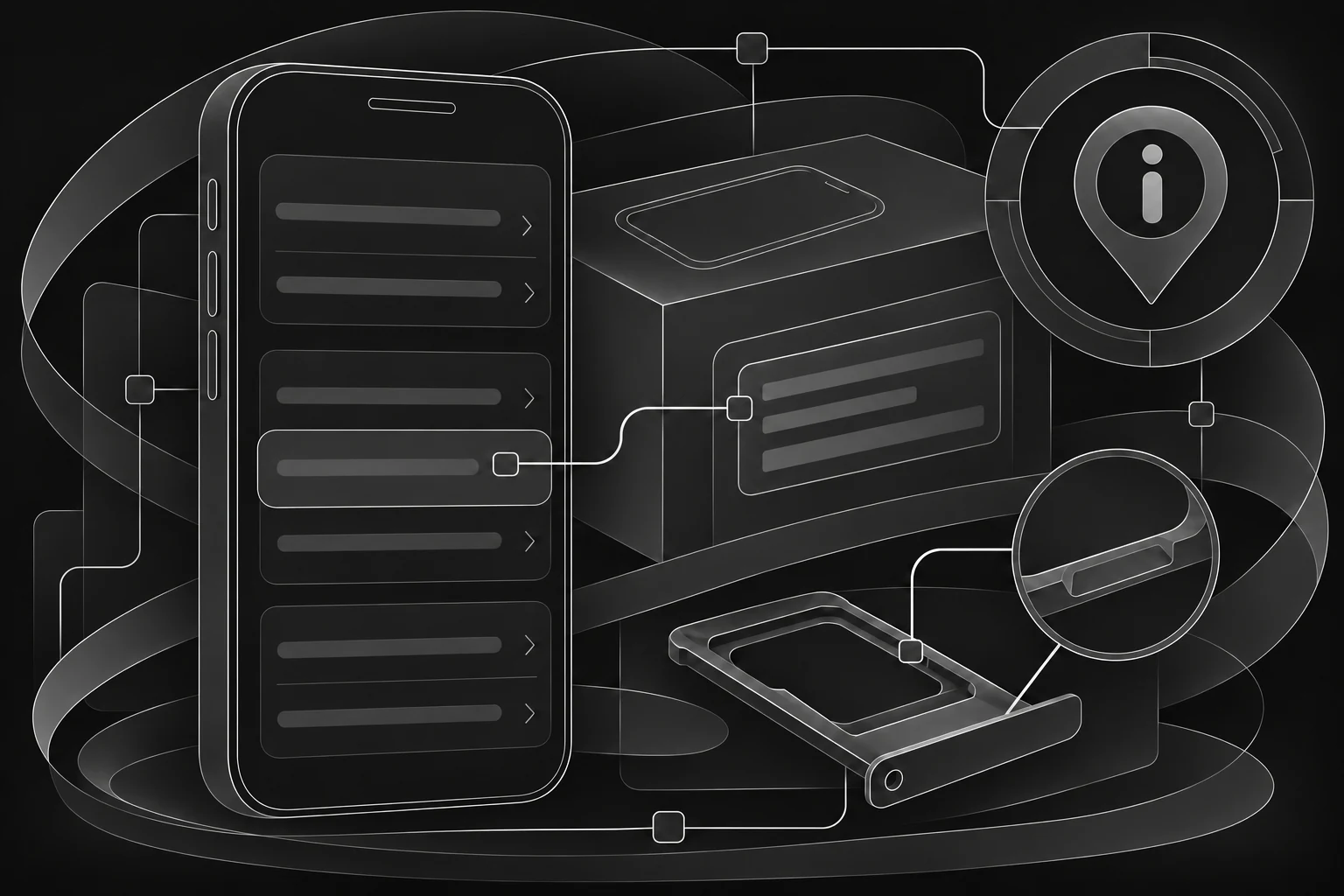
Open Settings, choose General and then About. Apple says that “No SIM restrictions” beside Carrier Lock means the iPhone is unlocked. If that message is absent or you remain unsure, contact the carrier rather than interpreting an unrelated field as the answer. Apple’s instructions describe the setting and the appropriate contact.
Ask to see the setting on the handset you intend to buy. Compare the device identifier separately if you are using a report. Keep the date of any earlier check in mind and resolve discrepancies before paying, instead of choosing whichever piece of information looks more favorable.
Do not read a carrier logo, a sales-country field or a seller’s description as a substitute for a stated lock status. Those may be useful details for the conversation, but your purchase question remains whether the phone can use the network you intend to use.
How do you check it on a Pixel or another Android phone?
Start with the manufacturer’s guidance and the carrier associated with that device. Google explains that a Pixel bought from a carrier may be SIM-locked and directs users to the carrier about unlocking. Its guidance should not be extended into a universal Android menu path. Google’s Pixel carrier guide covers this distinction.
For another Android brand, consult the exact model’s support information and ask the carrier to confirm the relevant restriction. Do not assume a Pixel procedure applies to every Samsung, Xiaomi or other handset. If you choose an IMEI service, read its supported brand and identifier requirements before submitting the number.
The practical aim is to obtain an answer you understand before the purchase. If the seller says the device will be unlocked later, make that a question to resolve first. This guide does not describe bypasses, carrier-unlock services or a way to override a restriction.
Is carrier lock the same as Activation Lock?
No. Apple’s Activation Lock is part of Find My and concerns activation protection associated with an Apple account. Carrier lock concerns using the device with a different mobile carrier. These are separate questions in Apple’s documentation, so one reported answer should not be used to fill in the other. Activation Lock and carrier restrictions have separate guides.
| Label | What it addresses |
|---|---|
| Carrier lock or SIM restrictions | Use with a different mobile carrier. |
| Activation Lock | Apple’s account-linked activation protection. |
| Screen passcode | Access to the phone’s current user interface. |
| Reported device records | The specific scope of the selected record check. |
When a seller says “everything is unlocked,” ask them to separate these points. You can inspect a network setting and still need a proper account handover and physical inspection. A broad phrase in a listing should not replace those individual checks.
Why does carrier lock matter for a travel eSIM?
A travel eSIM from a different carrier requires the iPhone to be unlocked for that use. Apple’s international eSIM guide specifically includes carrier-unlock considerations. It also makes the plan and provider’s setup instructions relevant; eSIM support and carrier freedom are distinct parts of preparation. Read Apple’s travel guidance before choosing a plan.
As a planning sequence, check the exact handset first, then its restrictions, then the destination plan’s coverage and activation details. Do not buy a plan solely because an advertisement mentions the name of your phone family. Keep the actual model and any regional variant in the discussion with the manufacturer or carrier.
For a second-hand purchase, Cellbuff’s Device Report can bring supported records together, including carrier-related information where available. It does not test network performance or promise that a particular travel plan will operate on every device. Review both the reported findings and the intended plan’s requirements.
Read how to find the right IMEI, what Activation Lock means, and how to check eSIM support before your next step. These guides keep identifiers, account restrictions and connectivity requirements separate.
Quick answers
Does “No SIM restrictions” mean an iPhone is unlocked?
Yes. That is the wording Apple identifies in Settings, General, About. Use the actual device’s setting and ask its carrier if anything is unclear.
Can Apple remove a carrier lock?
Apple says only the current carrier can unlock an iPhone for use with another carrier. Contact that carrier about the device’s status and its process.
Does eSIM support prove the phone is carrier-unlocked?
No. Treat eSIM capability and carrier restrictions as separate checks, as Apple’s travel guidance does.
Does a carrier check test the phone’s hardware?
No. Cellbuff’s checks concern available records. Inspect the handset’s condition and functions separately.
Sources
Manufacturer guidance and the Cellbuff service pages used in this guide. Checked for this edition on 29 November 2026.