Google Pixel IMEI check: IMEI 1, IMEI 2 and EID
A Google Pixel IMEI check should use the identifier requested by the selected service, keeping IMEI 1, IMEI 2 and EID separate. Google documents these labels for different mobile setup needs. Find the number on the actual handset, read the checker’s scope and remember that identity records do not test hardware or guarantee eSIM compatibility.

Where do you find a Pixel’s IMEI?
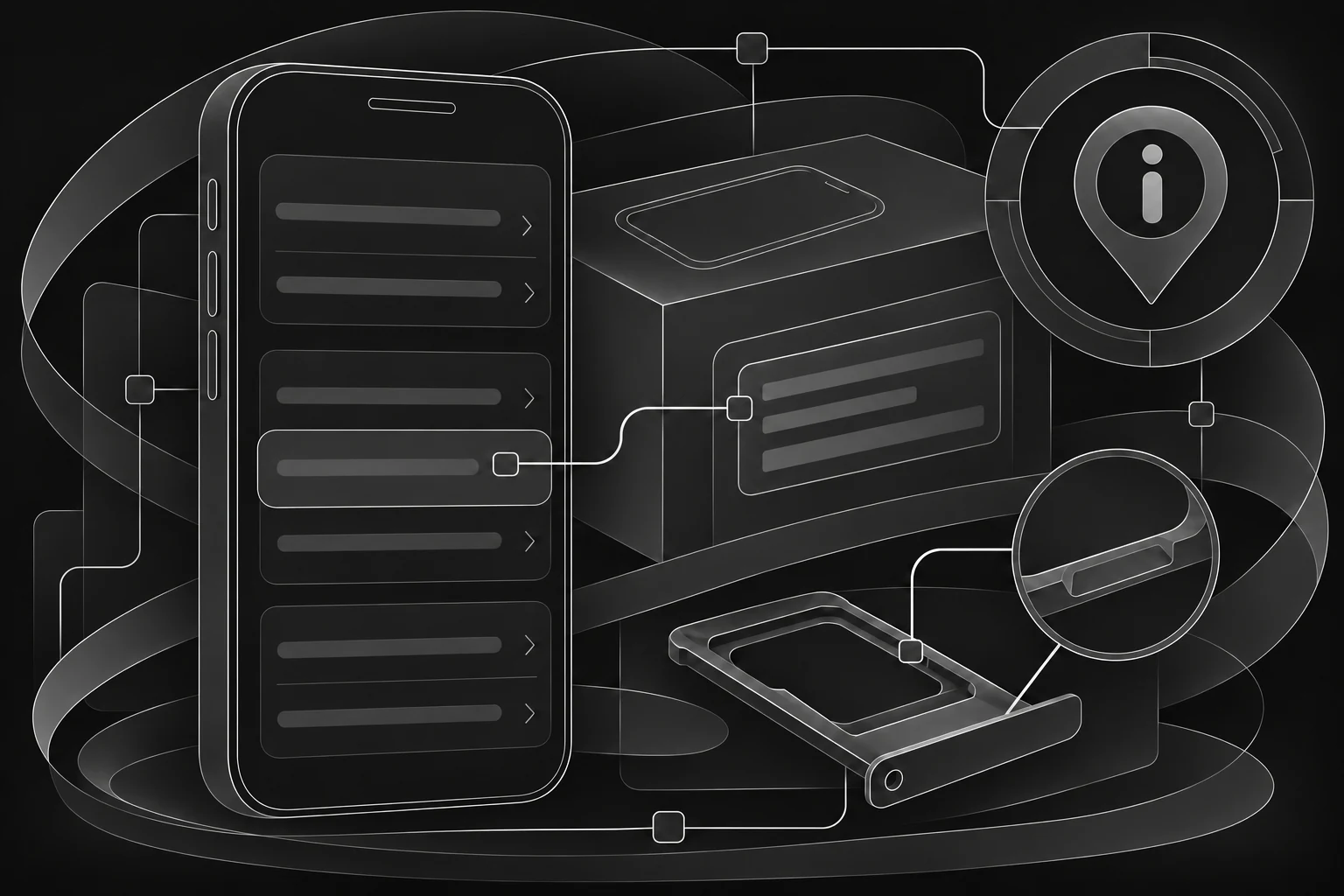
Google directs users to the phone’s Settings app and About phone, and also lists alternatives such as the box and SIM tray. Use the applicable route for your device, then read the label beside the value. Google’s identifier guide explains the available numbers.
Copy the value carefully and compare it after pasting. If you are buying a used Pixel, ask the seller to show the identifier on the handset being sold. Packaging can be supporting information, but an earlier photo is not the same as inspecting the phone in front of you.
Keep the exact model in your notes as well. It helps you ask the manufacturer or carrier a precise question later, without assuming that instructions for another Pixel model apply unchanged to yours. Do not combine several displayed identifiers into one input field.
Why can a Pixel have IMEI 1 and IMEI 2?
Google explains that Pixel phones supporting both an eSIM and a SIM card have two IMEIs, one for each type of SIM. Its guidance notes that the carrier may ask for IMEI 2 for eSIM setup and that the association with the first configured SIM may need confirmation. Google’s guide is the reference.
Two IMEIs are therefore a reason to keep the labels, not automatically a sign of a device problem. Write each value separately. For a record check, use the identifier the service requires; for carrier setup, follow the carrier’s request rather than choosing whichever number is easier to find.
If the task is unclear, ask before paying or changing a mobile profile. Running two purchases simply to see which result looks better is not a reliable way to establish the right input. Start with the service’s stated requirements and the device’s labels.
Is an EID the same thing as an IMEI?
No. Google distinguishes the IMEI used for mobile-network device identification from the EID used for eSIM. It explains that setup may require IMEI 1, IMEI 2 or EID depending on the request. These are separate fields, even when they appear in related settings screens. Read Google’s definitions.
| Label | How to handle it |
|---|---|
| IMEI 1 | Keep its label and use it only where requested. |
| IMEI 2 | Keep it separate; a carrier may request it for eSIM setup. |
| EID | Treat it as the eSIM identifier Google describes, not a substitute IMEI. |
| Serial or model number | Use the exact input requirement of the task. |
If somebody asks for “the device number,” clarify which identifier they mean. That small question is preferable to sharing several full identifiers unnecessarily or submitting the wrong value to a paid checker.
How do you choose a Pixel IMEI check?
Choose a current service whose scope answers your question. Cellbuff’s Google brand page shows the available services and current prices. It is not a universal compatibility statement for every Pixel model, and the selected service controls the accepted identifier. Browse Google checks.
Read the description and any available sample before entering a number. A sample shows the output format rather than promising identical fields for every handset. If you only need an initial model lookup, Cellbuff’s Device Report page offers free identification as a separate step from a paid report.
Keep the result within its stated scope. A model identification should not be expanded into a battery assessment, a proof of ownership or a guarantee that a particular travel eSIM will work. The useful next step depends on the question still unanswered, not the number of fields returned.
How should you check carrier restrictions?
Use Google’s carrier guidance and contact the relevant carrier about uncertainty. Google explains that a Pixel bought through a carrier may be SIM-locked, whereas its unlocked-device guidance concerns use with other carriers. Do not infer the restriction solely from a seller’s short description. Google’s carrier page explains the distinction.
If you are choosing an IMEI service for this question, confirm that it actually reports the relevant carrier status. A field naming a carrier does not automatically supply a conclusive SIM-lock answer. Keep the record date, device information and carrier response as separate evidence to compare.
This guide does not explain how to bypass a restriction or promise that it can be removed. If the phone cannot use the service you intend to buy, resolve that question through the appropriate carrier before purchasing a plan.
What should you check before adding an eSIM?
Confirm support for the exact device and service first. Google recommends checking eSIM support and device identifiers with the carrier, and documents a Pixel setup route through Network & internet and SIMs. Those instructions do not turn a model lookup into a compatibility certification. Google’s setup guide is the relevant source.
Review the intended plan’s coverage, allowance, duration and activation condition as a separate decision. If you have not established the phone’s carrier status or model requirements, stop before buying merely to test it. Keep installation credentials private and follow the delivered instructions when the purchase is appropriate.
For a second-hand phone, also inspect condition and functions on the device. Cellbuff’s record-based report does not test hardware, battery or performance. A useful identity result should help frame those next checks, not replace them.
Read finding IMEI on iPhone and Android, eSIM support questions, and carrier-lock checks for the connected steps. Each keeps the requested identifier tied to a specific purpose.
Quick answers
Are two Pixel IMEIs automatically suspicious?
No. Google documents two IMEIs on Pixel phones supporting both an eSIM and a SIM card. Read their labels and the task’s requirements.
Can you use EID instead of IMEI in a checker?
Use the identifier requested by the checker. Google describes EID and IMEI separately; do not substitute one for the other.
Does a Pixel identity lookup prove eSIM compatibility?
No. Confirm the exact device and carrier requirements and the intended plan’s terms separately.
Does Cellbuff inspect a Pixel’s battery remotely?
No. Its record-based report does not perform a physical battery or hardware test.
Sources
Manufacturer guidance and the Cellbuff service pages used in this guide. Checked for this edition on 29 November 2026.